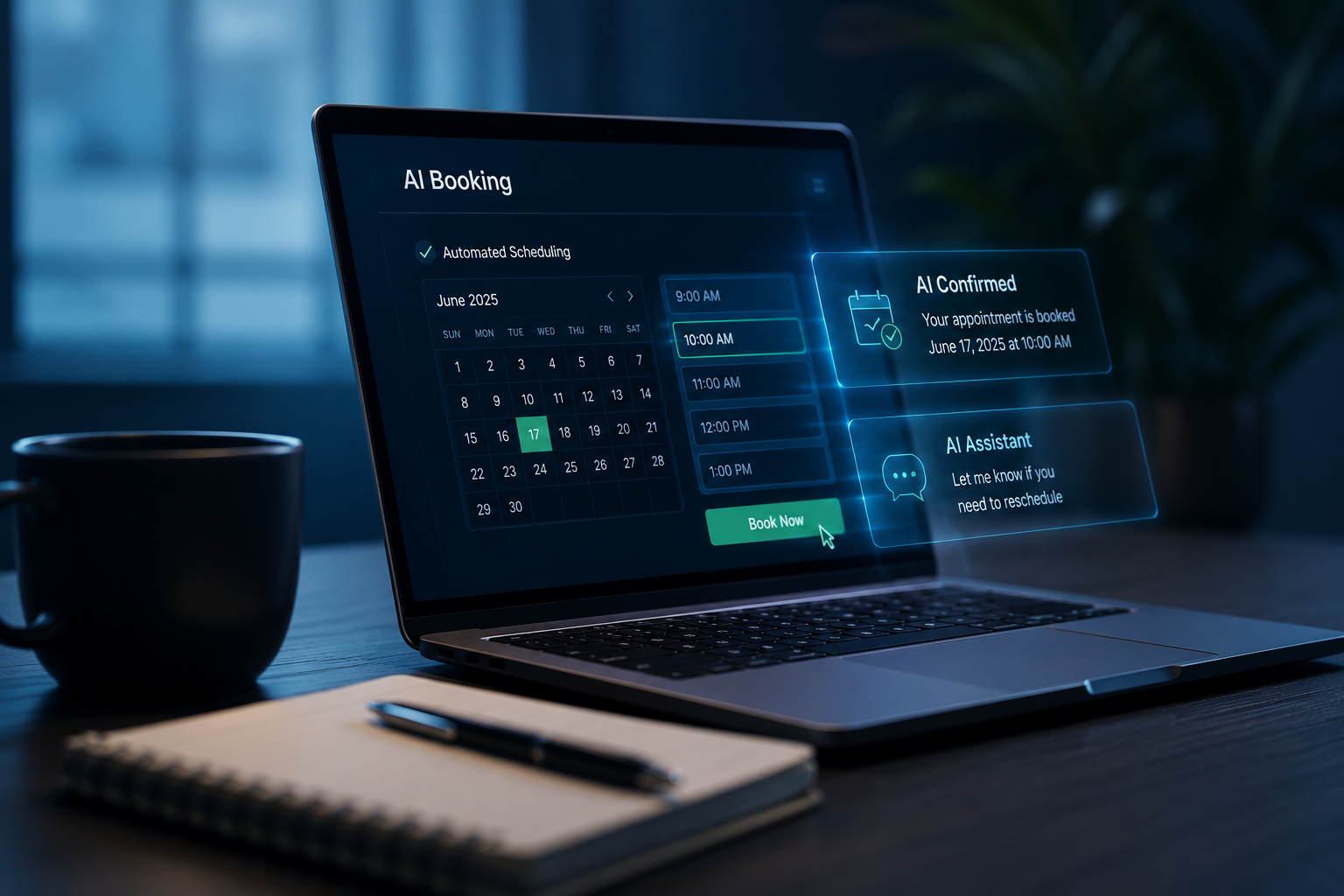
Key Takeaway: AI booking systems for small service businesses cost between $80 and $400 per month depending on integrations, automation depth, and whether the website is included. At an average service ticket of $300–$500, a single recovered after-hours lead pays for a month of the system. Most RSP clients break even in the first 3–4 weeks.
"How much does this actually cost?" is the first question every service business owner asks.
It's a good question. And the honest answer is: it depends on what "AI booking" means to the person selling it to you — because that term covers everything from a $15 Calendly link embedded in an email signature to a full automated workflow system that manages your schedule, fires instant lead alerts, sends appointment reminders, and follows up for reviews after the job.
This breakdown explains what you actually get at each price point, what's worth paying for, and how to calculate whether a booking system will pay for itself before the first invoice is due.
What "AI Booking" Actually Means
At the basic end, an online booking system is just a digital calendar that lets customers pick a time slot. At the full end, an AI booking system is an automated workflow that:
- Accepts bookings 24/7 through your website
- Validates the customer's service area before confirming
- Fires an instant SMS or push alert to the business owner
- Sends a confirmation and calendar invite to the customer
- Sends automated reminders 24h and 2h before the appointment
- Routes emergency requests differently from standard scheduling
- Triggers a follow-up message requesting a Google review after the job is complete
- Logs every booking and cancellation to a CRM or job management tool
The difference between a basic system and a full system is not complexity — it is the number of jobs recovered, confirmed, and retained. Each automation step directly addresses a revenue leak:
| Automation step | Revenue leak it closes |
|---|---|
| 24/7 booking acceptance | After-hours leads that go to a competitor |
| Instant SMS alert to owner | Leads that wait 4+ hours for a response and give up |
| Automated confirmation to customer | Customers who aren't sure the booking went through and call someone else |
| 24h + 2h reminder | No-shows (reduce by 40–50%) |
| Emergency routing | High-urgency jobs going to whoever answers first |
| Post-job review request | Google reviews that drive future organic leads |
The 2026 Price Breakdown by Tier
Tier 1: DIY Booking Tools ($0–$50/month)
Products like Calendly, Acuity, and Square Appointments. What you get: a calendar widget to embed on your existing site, email confirmations, basic SMS reminders on some plans. No workflow automation, no emergency routing, no CRM integration, no follow-up automation.
Best for consultants and coaches who take one type of appointment and have a simple schedule. Not built for multi-service businesses with different job types, service area validation, after-hours urgency, or any automation beyond the calendar itself.
Tier 2: Booking + Automation Bundles ($80–$200/month)
This is where purpose-built service business automation lives. The system includes online booking plus the connected workflow layer — confirmations, alerts, reminders, routing, and follow-ups.
What you get at this price:
- 24/7 online booking integrated directly into your website
- Instant SMS or push alerts to the business owner when a booking is made
- Automated email and SMS confirmation to the customer
- 24h and 2h pre-appointment reminders
- Job-type branching (different booking flows for different services)
- Service area validation (rejects bookings outside your coverage zone)
- Post-job review request automation
- Basic CRM logging of all appointments
This tier covers the majority of what a local service business actually needs. Podium's research on response time and conversion shows that businesses responding within 5 minutes convert at 21x the rate of those responding in an hour — the instant SMS alert in this tier is what makes that possible.
Tier 3: Full-Stack Done-for-You ($200–$400+/month)
The highest tier includes not just the booking system but the website it runs on, the local SEO layer, and ongoing optimization and support. What you get: a custom-built, mobile-optimized website; AI booking with full automation workflow; local SEO infrastructure — Google Business Profile optimization, schema markup, structured data, local content; ongoing monitoring and technical support; analytics and lead tracking; review management integration.
This tier is appropriate for businesses that don't have a website (or have one that isn't working), want everything done for them, and want the SEO layer that makes the site visible to new customers — not just the booking system for existing ones.
Trying to figure out which tier makes sense for your business?
Book a free strategy call — no pitch, just clarity →
How to Calculate ROI Before You Sign Up
The only number that matters is whether the system generates more revenue than it costs.
Step 1 — Estimate your missed leads per month
Think about the last 30 days. How many voicemails did you not return fast enough? How many after-hours inquiries did you respond to the next morning and never hear back from? Research from Harvard Business Review shows that responding after 1 hour reduces your chance of qualifying a lead by 60x.
Step 2 — Calculate what those leads are worth
Missed leads per month × your average job ticket = monthly revenue leak. For example: 8 missed leads × $320 average ticket = $2,560 missed per month. A Tier 2 booking system at $120/month needs to recover less than 1 job per month to pay for itself.
Step 3 — Add the no-show reduction
A company running 80 appointments per month at $320 average, with current no-shows at 12%: ~10 no-shows × $320 = $3,200/month in lost revenue. Post-automation at 5%: ~4 no-shows = $1,280/month. No-show reduction alone saves $1,920/month.
Step 4 — Add the review compounding effect
Every Google review from an automated post-job request is passive SEO equity. BrightLocal's annual Local Consumer Review Survey found that 87% of consumers read online reviews for local businesses, and a move from 40 to 100+ reviews meaningfully increases click-through rates from search results. This return compounds over time — by month 6 it is often the largest revenue driver from the whole system.
What to Watch Out For
Not all AI booking systems are built the same. Before paying for one:
- Ask what happens to emergency leads. If a customer submits a booking at 11pm, how long before you know about it? If the answer is "you'll see it in the morning," that is not an emergency-aware system.
- Ask whether the booking is embedded on your website or sends customers to a third-party URL. Sending customers off your site to book on a generic platform breaks the trust signal and loses conversions every time.
- Ask whether the system is industry-specific or generic. A booking system designed for hair salons does not have service area validation, job-type branching for different trade services, or emergency routing.
- Ask about setup vs. ongoing costs. Calculate the total 12-month cost, not just the monthly rate.
The Short Version
An AI booking system that actually recovers after-hours leads, reduces no-shows, and builds your review base costs between $80 and $400/month depending on whether the website is included. Most service businesses recover the cost within the first 3–4 weeks from one or two previously-missed leads.
The question is not whether the system costs too much. The question is how many jobs per month you are currently leaving on the table — and whether that number is bigger than the monthly cost.
Revenue Sites Pro builds AI booking websites for service businesses — website, booking system, and local SEO included. 48-hour deployment. Request your free site audit →
For a broader view of what drives revenue growth for service businesses beyond the booking system, see 10 Proven Strategies to Increase Business Revenue in 2026.
Written by Priya Navarro
Local Business Growth Advisor at Revenue Sites Pro. Priya helps service business owners make confident decisions about website and automation investment by cutting through vendor complexity and running the real numbers. Across 50+ RSP client onboardings, the median time to full cost recovery for a Tier 2 booking system is 23 days — driven almost entirely by after-hours lead recovery in the first month.