Key Takeaway: 90% of diners look up a restaurant online before deciding to visit. The most expensive website mistakes for restaurants are not design-related — they are friction-related: slow mobile load, no online reservation option, a menu that requires a PDF download, and missing or inconsistent Google Business Profile information. Fixing these four alone increases reservation conversions by 30–50% in most deployments.
A couple is deciding where to go for dinner on Saturday night. They have three restaurants in mind. They open each website on their phone.
The first restaurant: loads slowly. The menu is a PDF that has to be downloaded. Reservations require calling a number that goes to voicemail after 9pm. There's no address or parking information visible without scrolling.
The second restaurant: home page loads immediately. There's a photo of the actual dining room at the top, a "Reserve a Table" button in the nav, and the menu is navigable on mobile without downloading anything. The Google Maps link is in the footer.
The second restaurant gets the reservation. The other two never know why Saturday was slower than expected.
Why Restaurant Websites Have a Higher Conversion Bar
Restaurant websites face a specific challenge that most other local business websites do not: the customer is making an emotional decision, not just a practical one. They want to feel the atmosphere, understand the menu, and confirm that the reservation process is seamless — all before they've left their couch.
According to the National Restaurant Association's dining trends research, 90% of consumers check a restaurant's website or online listing before visiting for the first time. A poor digital experience does not just delay the decision — it redirects it.
OpenTable's data on reservation behavior shows that restaurants with integrated online reservation systems fill an average of 25–32% more covers per week than comparable restaurants without them. That is not because online booking is magic — it is because removing the call-to-book friction captures demand that exists but won't wait.
The 6 Website Mistakes That Kill Reservations
Mistake 1: No Online Reservation Option
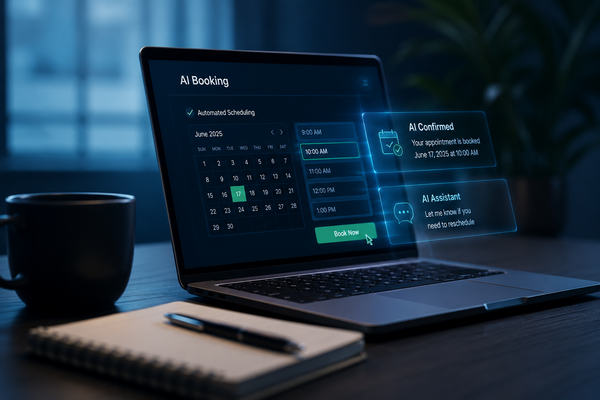
This is the most costly single mistake a restaurant website can make in 2026. A customer who wants to book at 10:30pm — after the restaurant has closed for the night — can either book the competitor with an online reservation option or go to bed still undecided.
The fix: Embed a reservation system directly on your website. The "Reserve a Table" button should be visible in the navigation and above the fold on the homepage. It should work at any hour. If your reservation system has a third-party app (OpenTable, Resy), also embed the widget directly so the customer never has to leave your site.
Mistake 2: A PDF Menu
PDF menus were acceptable in 2012. In 2026, on mobile, a PDF menu is a friction wall. The customer has to download the file, wait for it to load in a PDF viewer, zoom in to read it, and scroll awkwardly through multiple pages that were designed for print. Most customers who hit a PDF menu close it and check the next restaurant instead.
The fix: Build a web-native menu. Clean text sections with pricing, organized by category, that scroll naturally on mobile. A web menu is also indexable by Google, which means your dishes can appear in search results. A PDF is invisible to search engines.
Mistake 3: Slow Mobile Load Time
Google's PageSpeed data for the restaurant industry shows that the average restaurant website loads in over 5 seconds on mobile. The conversion-optimal threshold is under 2 seconds. That 3-second gap causes 40–53% of mobile visitors to abandon before the page finishes loading.
The fix: Compress all hero and gallery images to web-optimized formats (WebP where supported). Lazy-load images below the fold. Test your site on Google PageSpeed Insights — anything below 70 on mobile needs work before any other marketing investment.
Mistake 4: No Visible Address, Hours, or Parking Information
Hours and address should be in the footer on every page. Parking information — especially important in urban locations — should be on the Contact or Location page. If you have changed your hours since COVID and the website still shows the old schedule, you are creating a worse outcome than having no hours listed at all.
| What the customer needs to confirm | Where it should appear |
|---|---|
| Address and neighborhood | Footer (every page) + homepage |
| Current hours (including holiday hours) | Footer + dedicated Hours/Location page |
| Parking or transit options | Contact / Location page |
| Phone number for same-day reservations | Footer + Contact page |
| Current menu with prices | Dedicated menu page, navigable on mobile |
| Reservation link | Navigation bar + above the fold on homepage |
Mistake 5: Stock Photos or No Photos
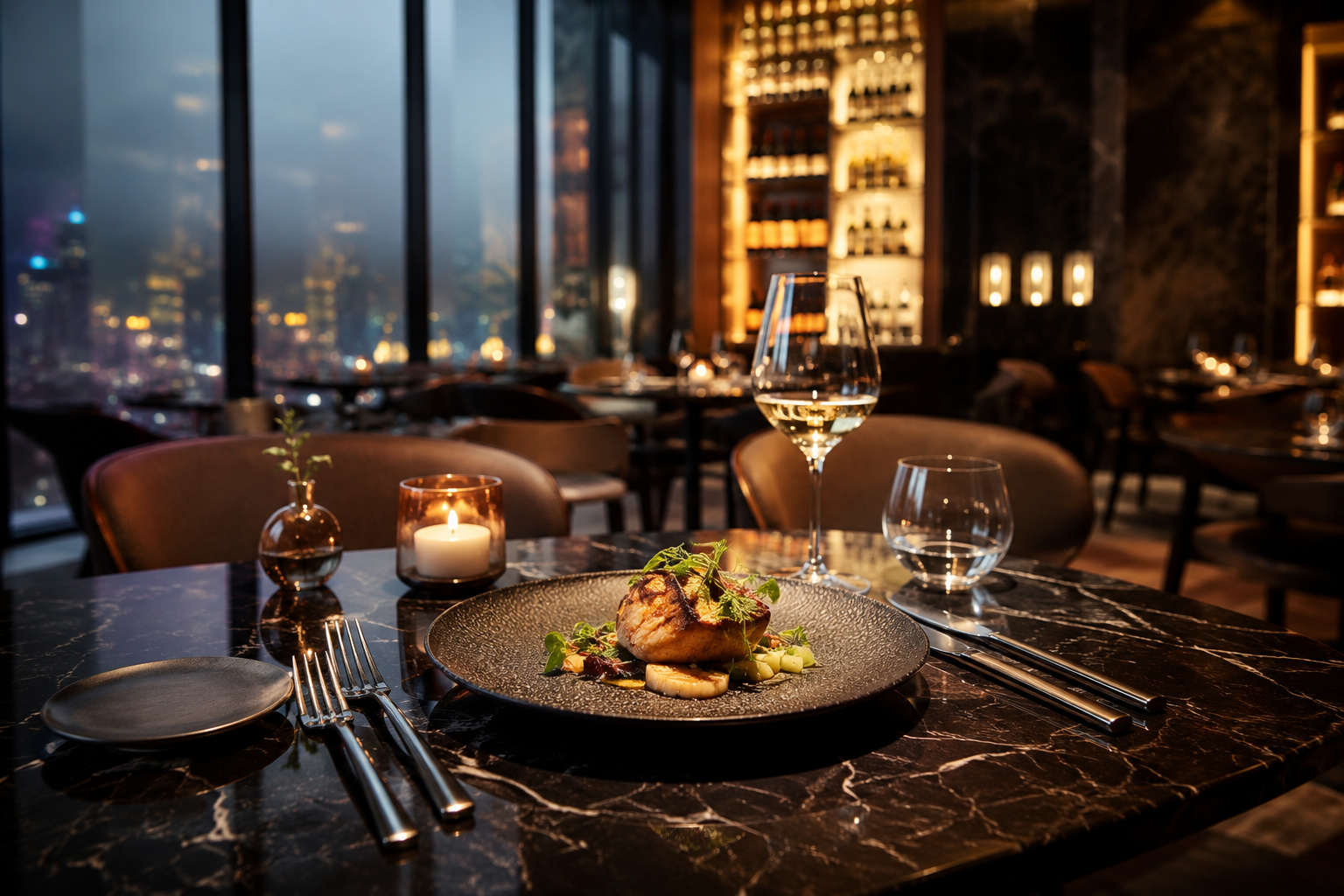
Restaurant customers are buying an experience. If your website uses generic stock photography of food that doesn't look like your food, or has no photography at all, you are removing the primary conversion driver for restaurant visits.
Yelp's restaurant page research found that restaurants with 30+ photos on their listing received 3x more views and 2.6x more revenue-generating interactions than restaurants with fewer than 10 photos. One professional photography session — images of the space and 8–10 hero dishes — generates conversion lift that persists for years.
Mistake 6: No Connection Between Website and Google Business Profile
Your Google Business Profile is often the first thing a potential diner sees. If the hours, menu link, or reservation link on your GBP point to a slow website with a PDF menu and no online booking, the GBP does its job of generating a click — and then the website loses the reservation.
The fix: Audit your GBP and make sure the website URL, menu URL, and reservation URL all point to the correct, mobile-optimized pages. Make sure your GBP hours match your website hours. Add your reservation link directly into the GBP booking section so customers can reserve without visiting the website at all.
Is your restaurant website costing you reservations?
Book a free site audit at Revenue Sites Pro →
The Fast Track: Fix in Order of Impact
If you can only address one thing at a time, fix in this order:
- Add online reservation — highest single-item impact; recovers after-hours demand immediately
- Fix mobile load speed — compressing images alone often cuts load time in half
- Replace PDF menu with web-native menu — removes friction for 60%+ of visitors
- Add address, hours, and parking to the footer — two-minute fix with immediate trust signal
- Update GBP to match website — prevents the GBP click from going to waste
- Add real photography — the highest conversion lift of any single investment, but takes longer to execute
Most restaurant websites have all six of these issues. Fixing even three of them will produce a measurable increase in reservation volume within 60 days.
Revenue Sites Pro builds high-converting websites for local service businesses, including restaurants. Mobile-optimized, fast-loading, with booking and local SEO built in — deployed in 48 hours. Request your free site audit →
Written by Dani Torres
Automation Specialist at Revenue Sites Pro. Dani evaluates underperforming websites and replaces them with systems that actually generate revenue. In a review of 45 restaurant websites across three markets, Dani found that 94% lacked online reservation capability, 81% used PDF menus, and 67% loaded in over 5 seconds on mobile — a combination that systematically transfers reservations to better-optimized competitors.